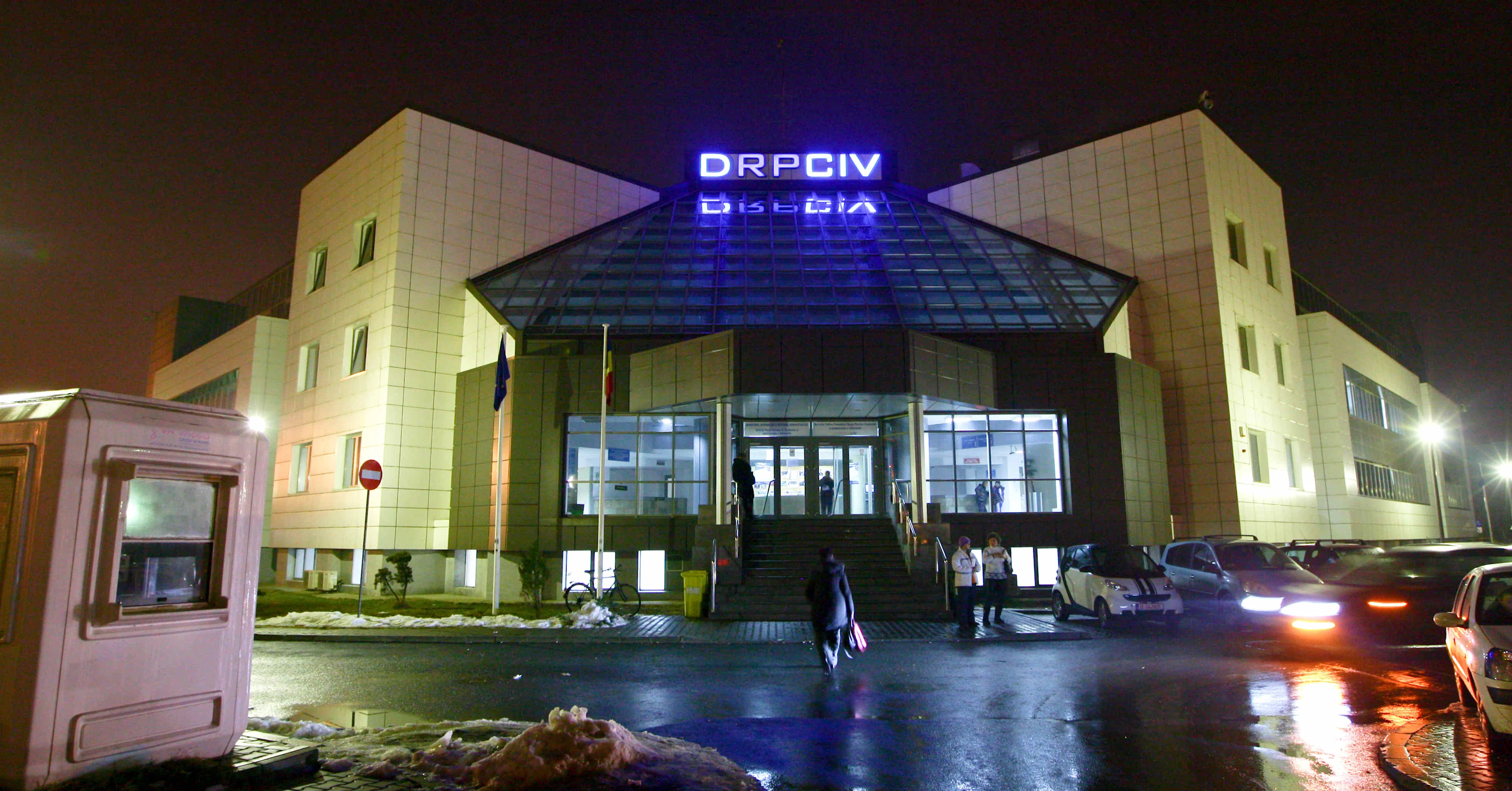
When you need to register a vehicle or get a temporary permit in Romania, you book through the DRPCIV portal. The catch: the next free slot is often weeks or months away. But people cancel. Slots do open up, you just have to catch them before someone else does. Refreshing the form by hand and re-entering your details every time gets old fast, including solving ReCaptcha. So I built a small script that does the heavy lifting and shows me what’s available in one run.T his post is a how-to guide for the approach: browser automation, getting past the captcha, and reading the calendar API so you can see availability at a glance and book as soon as something opens up.
The problem
You need an appointment soon. The official calendar usually shows the next free date far in the future. When someone cancels, a closer date can free up, but:
- You’d have to open the form, fill it, solve the captcha, and submit over and over.
- There’s no “notify me when a slot appears” option.
So the idea: automate one full run: open the form, fill your data, solve the captcha, submit, and then read the list of available dates from the site’s own API. That way you see everything in one place and can jump in to book as soon as you see a good date.
High-level approach
- Drive a real browser to the DRPCIV booking form (e.g. temporary permit).
- Fill the required fields (name, email, chassis number, etc.) from your own config or env.
- Solve the reCAPTCHA so the form can be submitted (via an audio-challenge solver).
- When you click “show calendar”, the page calls an API that returns available days. Intercept that response instead of scraping the UI.
- Parse the dates, highlight “within the next week”, and print a clear summary. Optionally keep the browser open when a slot in the next week exists so you can book immediately.
Stack in short
- Python for the script.
- DrissionPage for browser automation (Chromium, good balance of control and simplicity).
- A reCAPTCHA solver that uses the audio challenge (download audio, speech-to-text, submit). The one I use is built on top of the same browser session.
- XHR/fetch interception in the page so we can capture the calendar API response without parsing HTML.
1. Browser and form
You start a Chromium page and open the booking form:
from DrissionPage import ChromiumOptions, ChromiumPage
options = ChromiumOptions()
... set headless/args as needed
driver = ChromiumPage(addr_or_opts=options)
driver.get("https://dgpci.mai.gov.ro/drpciv-booking/formular/12/temporaryPermit")
driver.wait.ele_displayed("#last-name", timeout=10)Then fill the form with your data (here, placeholders—you’d use your own source):
driver.ele("#last-name").input("YourLastName")
driver.ele("#first-name").input("YourFirstName")
driver.ele("#email").input("your@email.com")
driver.ele("#chassisNumber").input("YOUR_CHASSIS_NUMBER")
No need to hardcode real data; use env vars or a config file and keep that out of the repo.
2. Solving the captcha
The form uses reCAPTCHA. I use a solver that:
- Clicks the checkbox.
- If the audio challenge appears, downloads the audio, runs speech recognition, and types the result back.
Rough usage with a custom config for the iframe title:
from RecaptchaSolver import RecaptchaSolver, RecaptchaSolverConfig

recaptchaSolver = RecaptchaSolver(driver, config=RecaptchaSolverConfig(iframe_title="reCAPTCHA"))
recaptchaSolver.solveCaptcha()
After this, the form is “verified” and you can submit. One caveat: solving too many captchas in a short time can get your IP flagged; use with care
3. Intercepting the calendar API
When you click the button that shows the calendar (e.g. “AFIȘARE CALENDAR”), the page calls an API that returns the available days. Instead of scraping the DOM, inject a small script before submitting so every XHR/fetch is logged:
intercept_script = """
(function() {
    window.__interceptedRequests = window.__interceptedRequests || [];
    const originalFetch = window.fetch;
    window.fetch = function(url, options) {
        return originalFetch.apply(this, arguments).then(response => {
            response.clone().text().then(text => {
                window.__interceptedRequests.push({
                    url: url,
                    status: response.status,
                    response: text
                });
            });
            return response;
        });
    };
})();
"""
driver.run_js(intercept_script)
Then click the submit button. After the request completes, read the intercepted list from the page and find the calendar call (e.g. URL containing getAvailableDaysForSpecificService). The response is usually a JSON array of date strings.
4. Parsing and showing availability
Once you have the response body, parse it and separate “within next 7 days” from “later”:
import json
from datetime import datetime, timedelta
response_data = json.loads(target_request["response"])  # list of "YYYY-MM-DD HH:MM:SS"
now = datetime.now()
one_week_from_now = now + timedelta(days=7)within_week = []
after_week = []
for date_str in response_data:
    date_obj = datetime.strptime(date_str, "%Y-%m-%d %H:%M:%S")
    if date_obj <= one_week_from_now:
        within_week.append(date_obj)
    else:
        after_week.append(date_obj)
Then print a short summary: how many dates in the next week, how many after, and the next available date. If you want to book immediately when something shows up soon, you can keep the browser open when len(within_week) > 0 and close it otherwise.
5. Running it
- Install dependencies (e.g.
pip install -r requirements.txt). You’ll need something for speech recognition and audio (e.g.pydub,SpeechRecognition) if you use the audio captcha path. - Put your form data in env vars or a small config.
- Run the script. It opens the browser, fills the form, solves the captcha, submits, and prints the list of available dates.
- If a slot in the next week appears, the script can leave the browser open so you can complete the booking on the site yourself.
- Example of the output:
❯ python3 test.py
Running in visible mode
Time to solve the captcha: 38.81 seconds
Form submitted successfully
======================================================================
📅 AVAILABLE APPOINTMENT DATES
======================================================================
API: https://dgpci.mai.gov.ro/drpciv-booking-api/getAvailableDaysForSpecificService/
Status: 200
📆 Available Dates (56 total):
======================================================================
⚪ AFTER 1 WEEK (56 dates):
     2026-02-24 (Tuesday) - 8 days from now
     2026-02-25 (Wednesday) - 9 days from now
     2026-02-26 (Thursday) - 10 days from now
     2026-02-27 (Friday) - 11 days from now
     2026-03-02 (Monday) - 14 days from now
     2026-03-03 (Tuesday) - 15 days from now
     2026-03-04 (Wednesday) - 16 days from now
     2026-03-05 (Thursday) - 17 days from now
     2026-03-06 (Friday) - 18 days from now
     2026-03-09 (Monday) - 21 days from now
     ... and 46 more dates
======================================================================
Summary:
  • Dates within 1 week: 0
  • Dates after 1 week: 56
  • Next available: 2026-02-24 (Tuesday) (8 days)
======================================================================
No spots available in the next week. Closing browser...
Summary
You get all current DRPCIV appointment options in one go and can book as soon as a cancellation frees a slot. The script uses browser automation (DrissionPage), a reCAPTCHA solver on the audio path, and XHR interception to read the calendar API, then a bit of date parsing and console output. One command gives you an at-a-glance list of dates; if something good is in the next week, you can keep the browser open and grab it. If you’re in the same boat this pattern (automate the form once, intercept the API, show dates clearly) works well without pasting your details everywhere or scraping fragile HTML.